PRIVACY AIAI Video Privacy Blur Studio: Auto-Track Faces, License Plates & Screens

Online AI Video Privacy Blur& Auto Face / Plate Anonymizer

Upload MP4, MOV, or WebM clips to automatically detect and track faces, license plates, and screens across frames with Gaussian, Mosaic, or Blackout blur.

3s preview · 3 credits7-Day Free Blur TuningAuto-Refund If Zero Targets
Blur Target:
Blur Style:

Auto-Track & Blur Screens · Gaussian

Hide sensitive monitors, laptops, and phone displays across camera movement.

Supported input: MP4, MOV, WebM video files (up to 200 MB · cloud jobs about 60s · up to 4K 4096×4096)

Export & billing: H.264 MP4 with original audio · a single-target 3s preview is 3 credits, and held credits return if no target is found
WHAT · VideoBGBlur · AI Privacy Redaction & Background BlurVERIFIED RUNTIME SPECIFICATION

How AI Video Blur Protects Privacy Without Keyframing

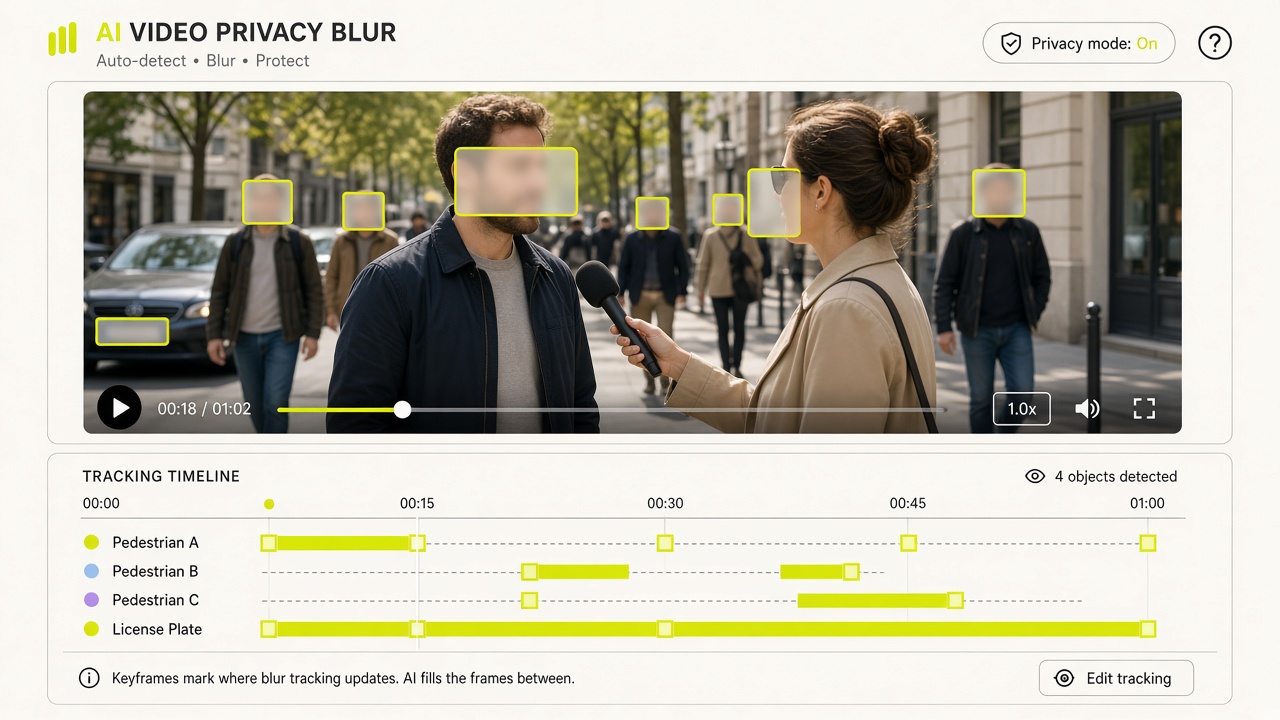
VideoBGBlur combines automatic subject segmentation and SAM3 text-prompted video tracking to detect faces, vehicle license plates, laptop/phone screens, backgrounds, or custom targets across motion frames. Once the tracking mask is generated, you can switch between Gaussian and Box blur or fine-tune blur intensity, mask expansion, and edge feathering at zero additional AI credit cost.

Input: MP4 / MOV / WebM (≤200 MB, ≤60s, ≤1080p, ≤30 fps) · Output: Composed H.264 MP4 with Audio · Auto-Refund on 0 Targets
How AI Video Blur Protects Privacy Without Keyframing

02 / WHY CHOOSE THIS TOOL · CORE CAPABILITIES

Verified VideoBGBlur Capabilities

5 Target Modes

Faces, License Plates, Screens, Background & Custom Prompts

Use one-click presets for common privacy targets (`faces`, `license_plates`, `screens`, `background`) or type custom Keep/Add/Exclude prompts to blur badges, house numbers, or documents.

0-Credit Re-Renders

Adjust Blur Strength, Expansion & Feathering for Free

Your blur tracking mask is cached for 7 days. Change between Gaussian and Box blur or tweak pixel expansion and feathering as many times as you like without spending extra AI credits.

Auto-Refund Protection

100% Automatic Credit Refund When Zero Targets Are Found

If the AI scans your clip and detects no matching faces, license plates, or prompted targets, the job returns a target-not-found status and automatically refunds your reserved credits.

Predictable Pricing

Upfront Credit Quote & ~3-Second Preview Mode

Single-target blur and background blur cost 1 credit per billed second (2 credits/sec when combining multiple prompt rules). Test any clip first with a 3-credit preview.

03 / HOW TO USE · THREE-STEP WORKFLOW

How to Blur Faces, License Plates or Screens in 3 Steps

No manual timeline keyframing required. Upload your clip, pick a target mode, and export a privacy-compliant MP4.

STEP 01

Upload MP4, MOV, or WebM Video

Select a video up to 200 MB, 60 seconds, 1080p resolution, and 30 fps. Container metadata and frame rate are verified before any credits are reserved.

STEP 02

Select Blur Target & Run ~3s Preview or Full Clip

Choose Faces, License Plates, Screens, Background Blur, or Custom Prompt. Run a ~3-second preview for 3 credits or process the full video at 1 credit/second.

STEP 03

Fine-Tune Intensity & Export H.264 MP4

Reuse the generated blur mask for free to adjust Gaussian/Box filter strength, mask expansion (px), and edge feathering (px), then download your composed MP4 with original audio.

04 / TYPICAL USE CASES

Typical Video Blur & Redaction Use Cases

Street Interviews & Vlogs

Anonymize Bystander Faces in Public Recordings

Automatically track and blur pedestrians and passersby in street interviews, travel vlogs, and documentary footage to respect privacy and platform guidelines.

Dashcam & Automotive Media

Redact Moving Vehicle License Plates & Dash Displays

Blur license plates on moving cars, trucks, and motorcycles in dashcam clips, car reviews, or dealership walkarounds without frame-by-frame masking.

SaaS Demos & Tutorials

Hide Sensitive Screens, API Keys & Private Documents

Use the Screens preset or Custom Prompt mode to blur phones, laptop monitors, or on-desk paperwork during product walkthroughs and office recordings.

05 / USER TESTIMONIALS

Verified reviews from creators & production teams

POST-PRODUCTION & INTERVIEW DESK★★★★★

“Running a 3-second preview clip before committing credits to long interviews or street B-roll has saved our editing desk hours of manual work.”

Elena Rostova

Lead Post-Production Editor

ENTERPRISE L&D & WEB MOTION★★★★★

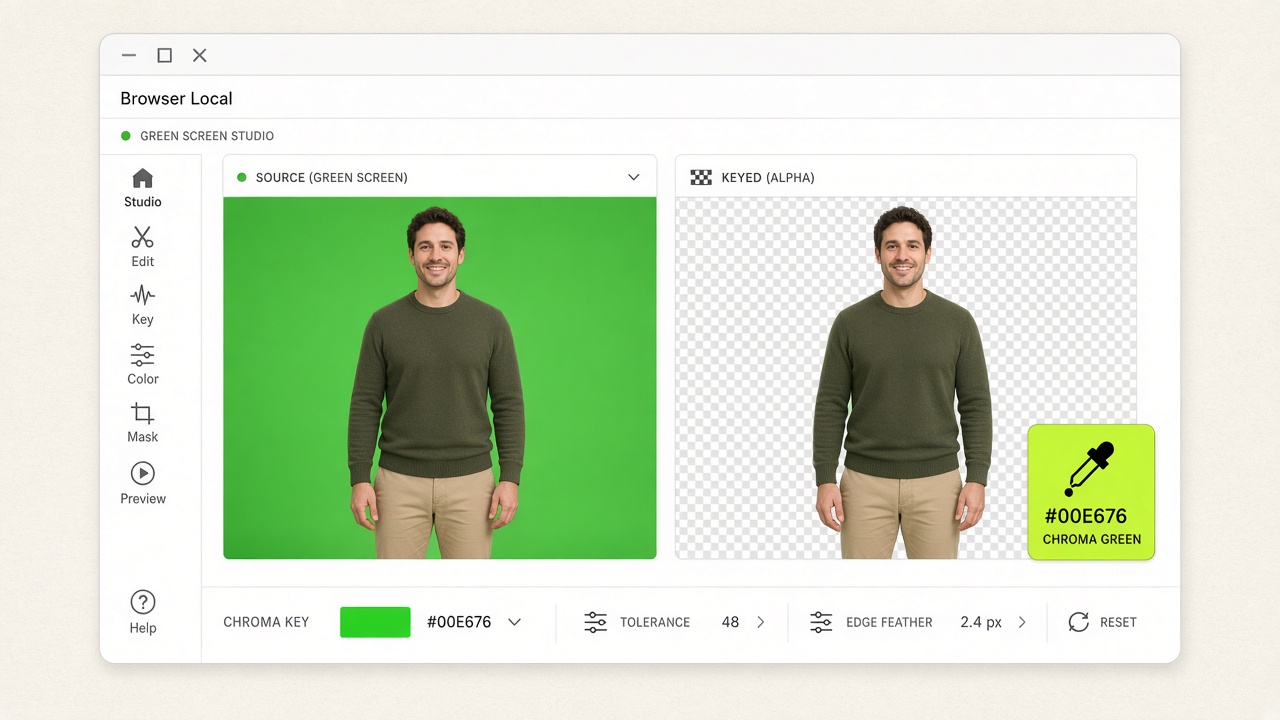
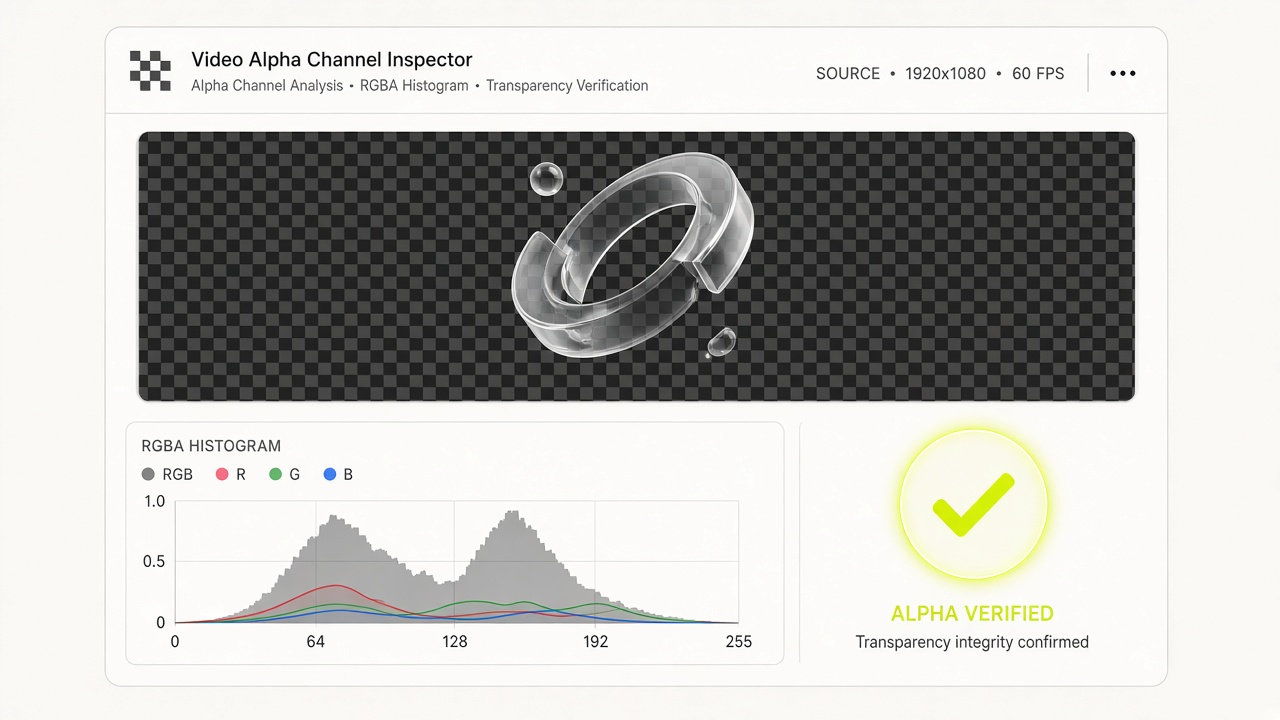
“The browser-local WebGL2 chroma keyer and RGBA alpha inspector run with zero server uploads, keeping our internal footage 100% confidential.”

Hannah Lindqvist

Staff Design Technologist

06 / PRICING VERSIONS

Free Local Edition ($0) & Non-Expiring Credit Packs

  • Free Local ($0): Unlimited browser green screen & alpha inspection
  • One-time packs: $6.90 (100 cr) · $19.90 (300 cr) · $39.90 (600 cr) · $99 (1,500 cr)
  • A 3-second preview is 3 credits for automatic cutout or single-target blur. Restyle is free for 7 days. Credits return if no target is found.

07 / TECHNICAL FAQ

Frequently Asked Questions About AI Video Blur

All 10 technical answers below match our runtime behavior and JSON-LD schema.

VideoBGBlur uses AI video segmentation (`wavespeed-ai/sam3-video-rle` for targeted objects and `bria/fibo/video-background-remover` for background blur) to detect and track targets across every frame, then composites a Gaussian or Box blur over the tracked mask while preserving your original audio.