All AI & Browser-Local Video Tools Directory
Every preset below routes directly into our verified cloud AI or browser-local video engines with pre-configured target parameters—no duplicate pipelines or hidden subscriptions.
01 / FOUR CORE WORKSPACES
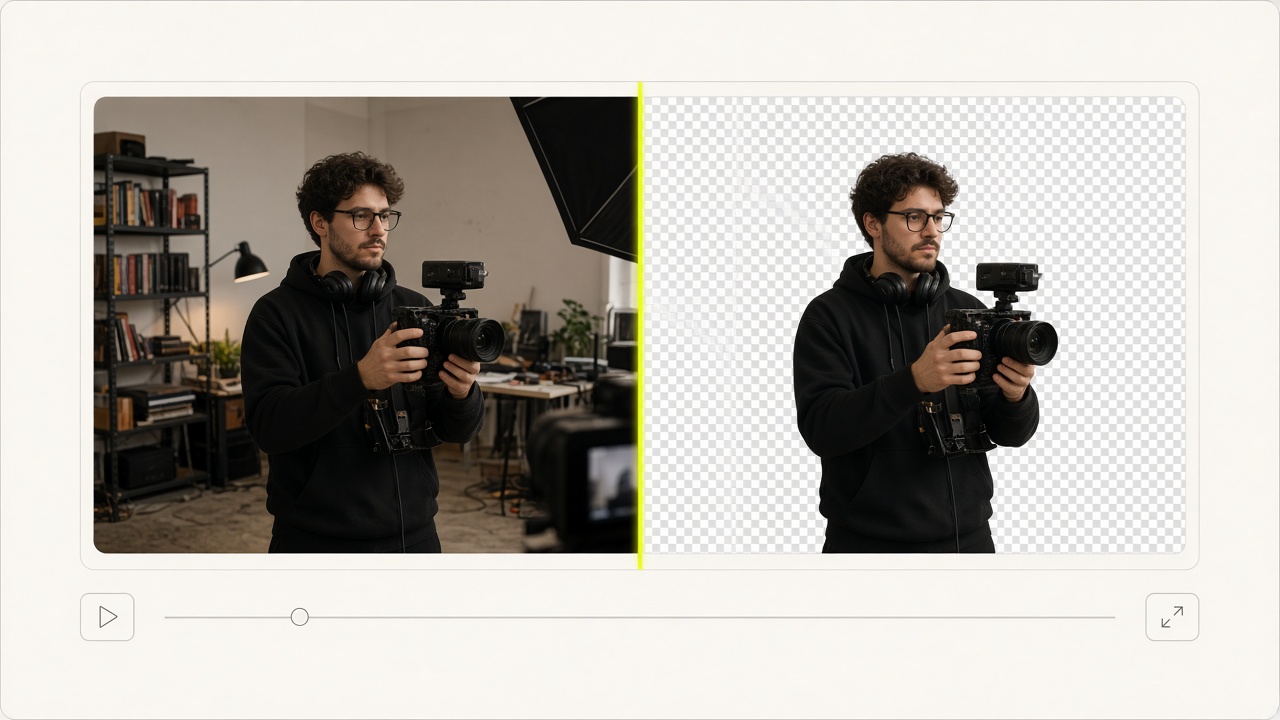
AI Video Background Remover & Changer
Automatic subject segmentation and SAM3 text-prompted cutout without a green screen. Cached masks allow free background swaps for 7 days.
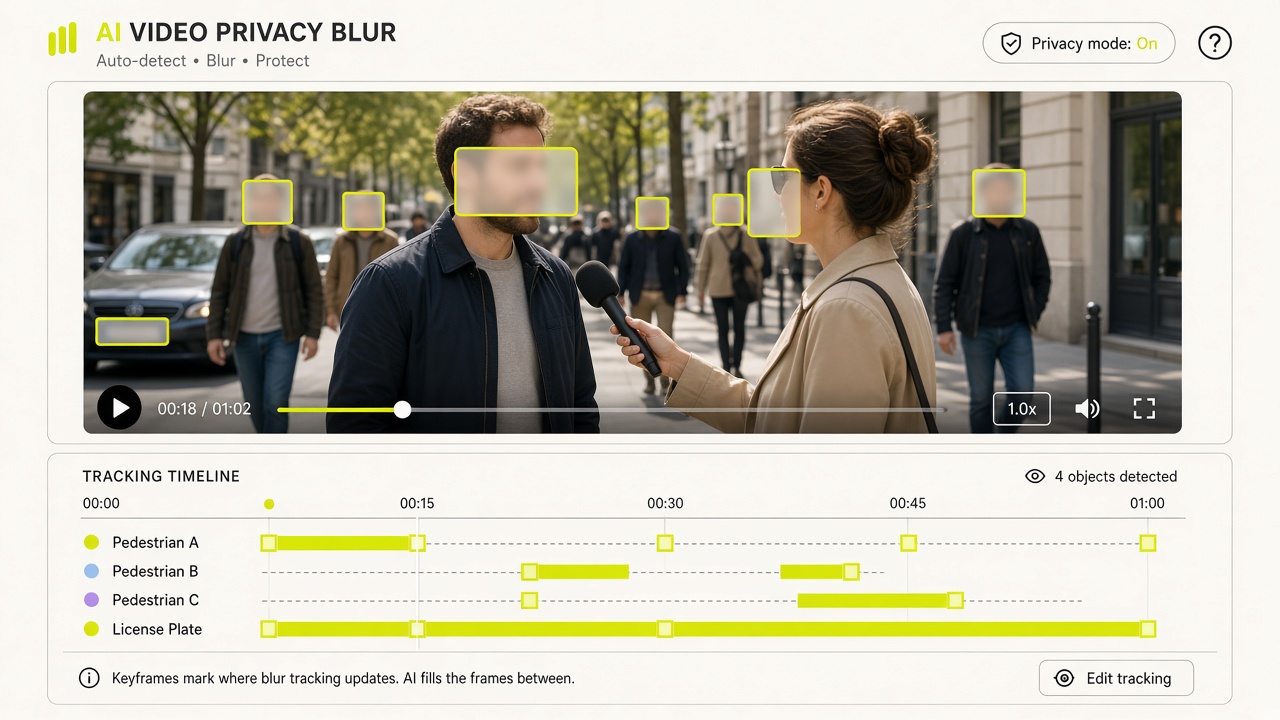
AI Video Blur for Faces, Plates & Screens
Multi-frame tracking and blurring for faces, license plates, screens, backgrounds, or custom targets with 0-credit blur tuning.
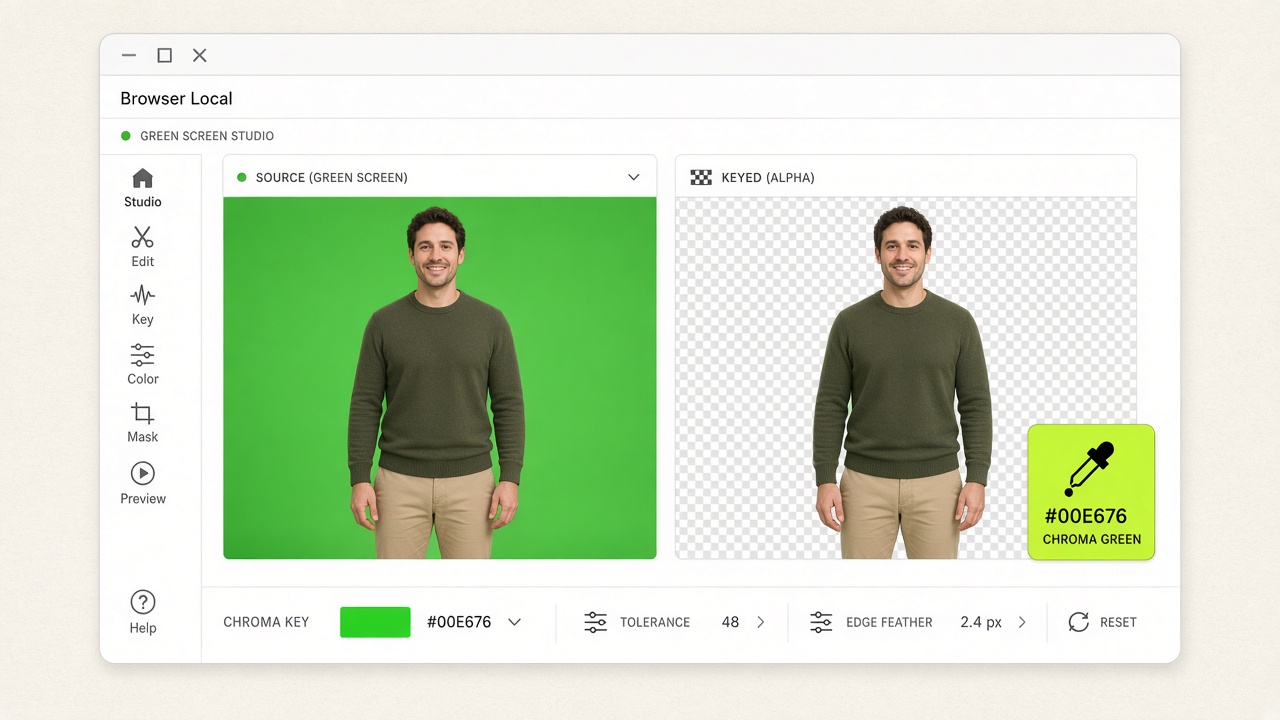
Free Browser-Local Green & Blue Screen Keyer
100% browser-local WebGL2 chroma keyer for green screen, blue screen, or custom color keys with zero server uploads.
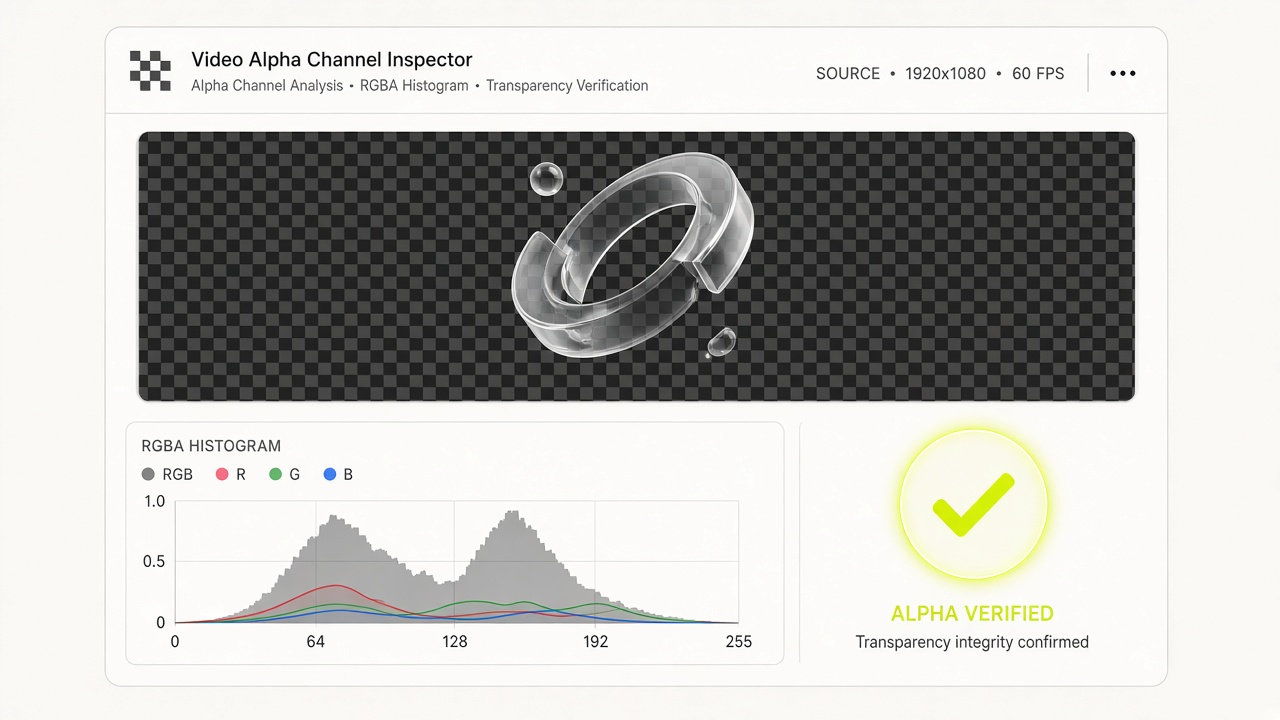
Free Transparent Video Alpha Channel Inspector
Verify both container alpha metadata tags and decoded RGBA pixel transparency locally in your browser before deployment.
02 / EIGHT SPECIALIZED PRESET ENTRIES (SYMMETRIC MATRIX)
Select a task preset for detailed workflow specs or instant launch
Remove Video Background
Start a fresh cloud AI matting session to isolate people, products, or pets from cluttered real-world scenes. A 3-second preview is 3 credits. Re-composite onto solid colors, custom images, or video backdrops for 0 extra AI credits while the mask is cached.
Blur Faces in Video
Launch VideoBGBlur pre-configured for multi-face detection and tracking. Protect bystander, interviewee, and minor identities in street interviews, vlogs, and bodycam footage without manual keyframing.
Blur License Plates in Video
Open VideoBGBlur with license-plate detection pre-selected (`target=license_plates`). Track front and rear plates across moving vehicles in dashcam clips, car reviews, and street footage.
Blur Screens in Video
Open VideoBGBlur with the verified screen detection target (`target=screens`) selected. Redact confidential dashboards, source code, customer data, and Slack messages on monitors in office walkthroughs and vlogs.
Blur Faces & License Plates
Open VideoBGBlur with the dual outdoor privacy preset (`target=faces_and_license_plates`) selected. Automatically track and redact both pedestrians and vehicle registration plates in street vlogs, dashcam footage, and bodycam recordings.
Remove Green Screen from Video
Open VideoBGChroma with the studio green screen preset (`preset=green`) pre-selected. Key out green backdrops in real time with WebGL2 shaders and export Transparent WebM, Lossless MOV, or PNG Sequence ZIP without uploading a single byte.
Remove Blue Screen from Video
Open VideoBGChroma with the studio blue screen preset (`preset=blue`) pre-selected. Ideal for footage containing green clothing, plants, or props where a green key would cut into the foreground subject.
Test Video Transparency
Launch VideoBGAlpha to verify whether your WebM, MOV, or MP4 file contains real alpha transparency before shipping to production. Inspect both container metadata tags and decoded RGBA pixel coverage 100% locally.